
Spend less time repeating yourself. Support students better.
Upload your teaching materials and give students a place to ask, practise, and get feedback without waiting for you.
Turn one lesson into a student helper
Rolling this out across a department or campus?
Explore Institutional Rollout Support →
See how your lesson keeps helping students
Upload one set of notes or slides and students can start asking questions, practising, and getting feedback.
This short video shows how your content becomes a place where students can get help on one topic, even when you are not there.
What you can do with your lessons

Upload your lesson once
Use your slides, notes, or videos to give students a place to ask questions and practise, now and next term.

Students get answers from your materials
Students ask questions and get replies pulled from your slides, notes, and videos, not from a generic AI.
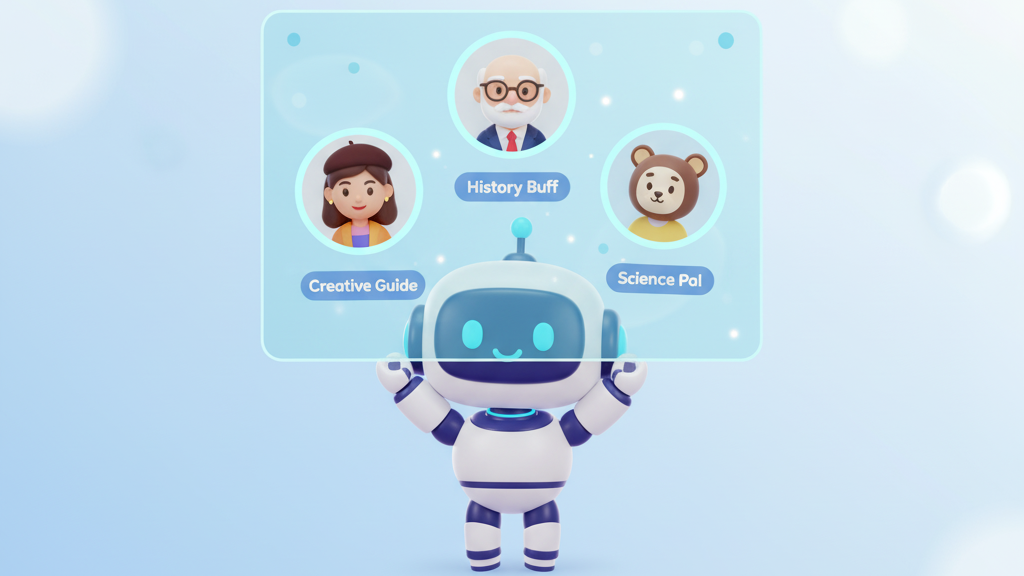
Set the tone for how students are helped
Choose whether your helper explains, coaches, or challenges, just like you would.

Create a role play for one lesson
Turn a topic into a scenario where students can practise before or after class.

Explore ideas through conversation
Students explore material and ask questions naturally, using conversations grounded in your content.

Track what students are learning
Set clear outcomes for a topic and see where students are meeting them or getting stuck.

See where students need you
Spot who is struggling so you can step in where it matters most.

Use AI safely with student data
Your content and your students are protected with ISO27001 and SOC2.
When you want to go deeper

Share how you are using this in your teaching
Join other educators who are testing new ways to support students with AI and sharing what works.

Learn how to use this in your classes
Short courses that show how to upload content, run role plays, and support students with AI.

Try new teaching tools early
Get early access to new ways of supporting students, tracking learning, and guiding practice with AI.
How educators are using this in class
Frequently Asked Questions
Will students actually engage with this?
Can this support my whole faculty, not just me?
What if my Year 4 students are missing knowledge from earlier years?
How will I know if learning outcomes are being met?
How is this different from other AI tools?
What if I want to see it in action first?
